Spring Boot applications frequently crash in AWS production environments due to differences in configuration, resource allocation, and external dependencies that aren't replicated in local testing environments, creating a gap between development success and deployment reality.
Why Spring Boot apps still crash in AWS despite passing every local test remains one of the most frustrating challenges developers face. You've run your unit tests, integration tests, and even smoke tests locally—everything works perfectly. Yet, within hours of deploying to AWS, your application starts throwing exceptions, timing out, or simply refusing to start. This disconnect between local success and cloud failure isn't just annoying; it costs time, money, and credibility.
Configuration differences between local and cloud environments
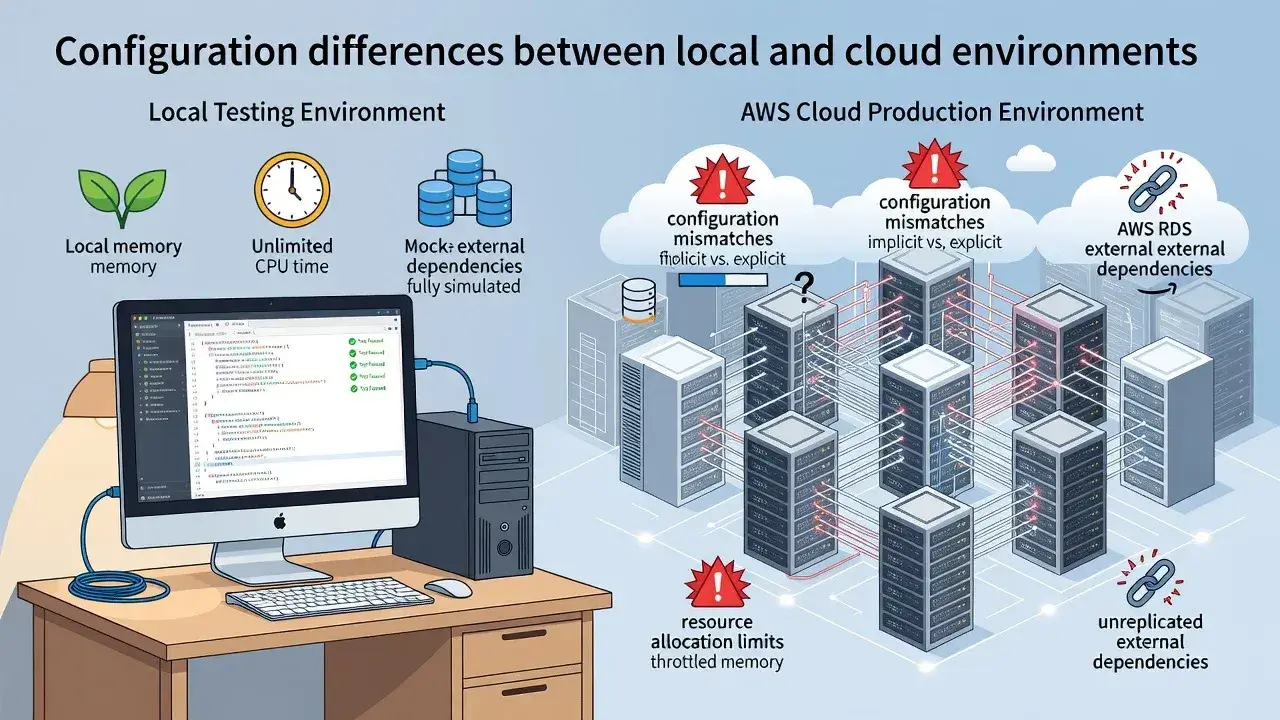
Your local machine operates under vastly different conditions than an AWS EC2 instance or container. Environment variables, property files, and configuration profiles behave differently once deployed.
Environment-specific settings that cause failures
Spring Boot relies heavily on application.properties or application.yml files. When these configurations reference local paths, database connections, or API endpoints that don't exist in AWS, your app crashes immediately.
- Database connection strings pointing to localhost instead of RDS endpoints
- File system paths that assume a specific directory structure
- Missing AWS credentials or IAM role configurations
- Port conflicts with other services running in the same environment
These configuration mismatches create runtime exceptions that never appear during local testing because your development environment naturally accommodates these assumptions.
Memory and resource constraints in AWS instances
Your development laptop probably has 16GB or 32GB of RAM. Your AWS t2.micro instance has 1GB. This massive difference in available resources causes Spring Boot applications to behave unpredictably.
Spring Boot's auto-configuration loads numerous beans and components during startup. In memory-constrained environments, the JVM struggles to allocate sufficient heap space, leading to OutOfMemoryError exceptions. Your local tests never encounter this because your machine has abundant resources.
AWS containers and instances also impose CPU throttling that doesn't exist locally. When your application attempts to spawn multiple threads or process intensive operations, it hits resource limits that cause crashes or severe performance degradation.
Network connectivity and external service dependencies
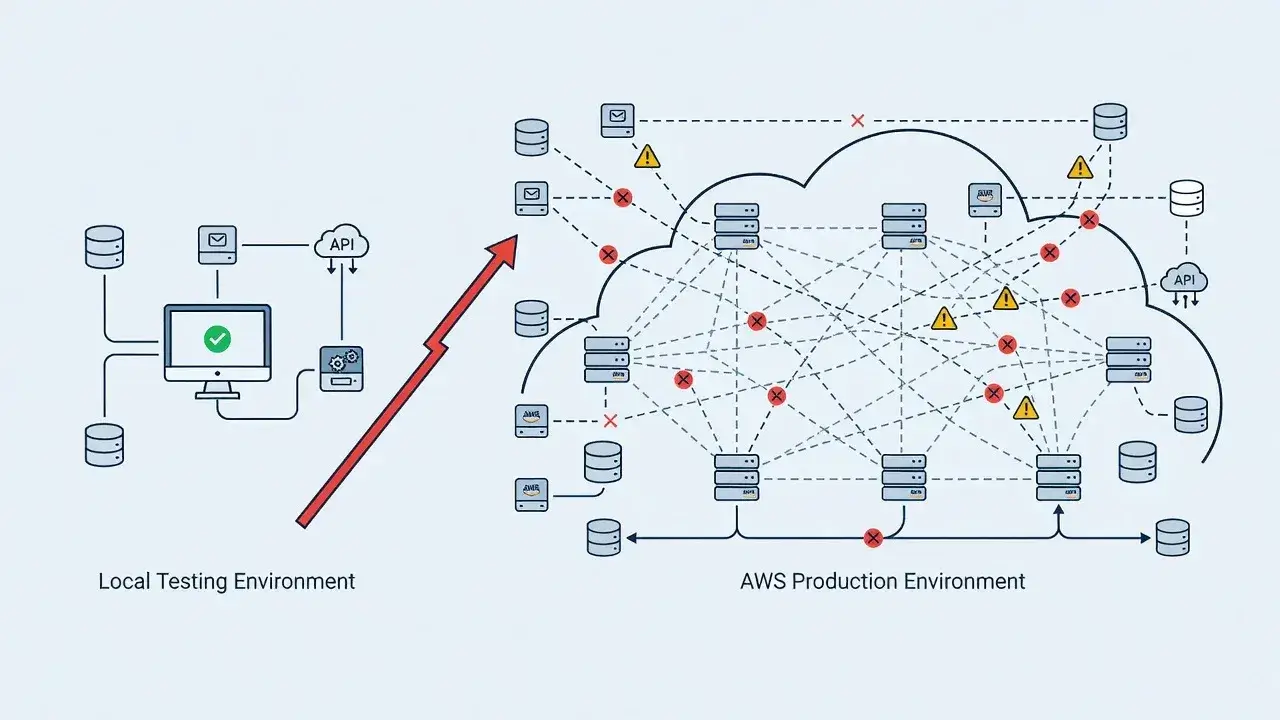
Local testing often mocks external services or uses simplified versions of APIs. Production environments require real connections to databases, message queues, and third-party services.
Common network-related failure points
- Security group rules blocking necessary ports
- VPC configuration preventing access to RDS or ElastiCache
- Timeout settings too aggressive for network latency
- Missing NAT gateway configuration for outbound internet access
These networking issues cause connection timeouts, refused connections, and cascading failures that bring down your entire application. Your local environment bypasses these complications because everything runs on the same machine or local network.
JVM and runtime version discrepancies
You might be developing with Java 17 on your MacBook while your AWS AMI runs Java 11. Even minor version differences can introduce incompatibilities.
Spring Boot applications depend on specific JVM behaviors and garbage collection strategies. When the runtime environment differs, you encounter class loading errors, method signature mismatches, and subtle behavioral changes that cause crashes.
Container images also introduce complexity. If your Dockerfile specifies a different base image than what you test locally, you're essentially running different applications.
Logging and monitoring blind spots
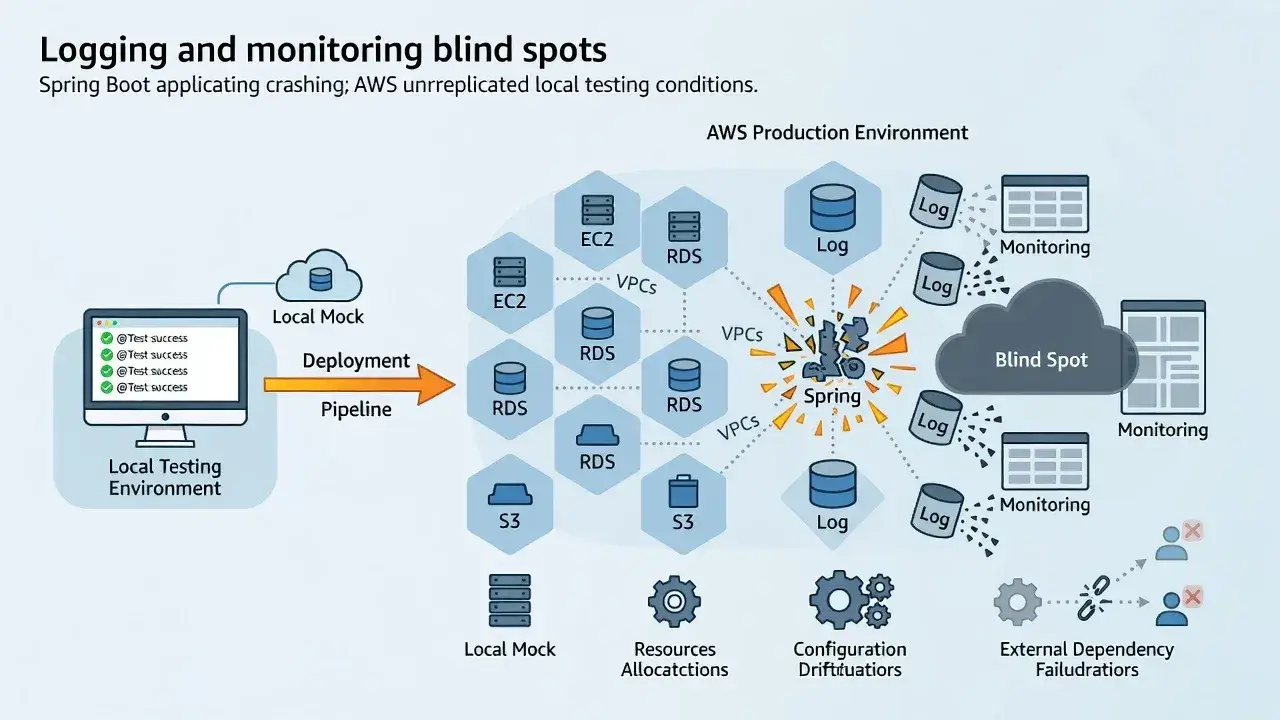
Local development provides immediate console output. AWS deployments require proper logging configuration to CloudWatch or other monitoring services.
Without adequate logging, crashes appear mysterious. You can't see stack traces, can't identify which component failed, and can't understand the sequence of events leading to failure. Many Spring Boot applications crash silently in AWS because developers haven't configured proper log aggregation.
Essential logging practices for AWS deployments
- Configure SLF4J with appropriate log levels for production
- Send logs to CloudWatch Logs for persistent storage
- Implement structured logging with correlation IDs
- Set up alerts for critical error patterns
Health checks and startup time expectations
AWS load balancers and orchestration services expect applications to start quickly and respond to health checks within specific timeframes.
Spring Boot applications with extensive auto-configuration can take 30-60 seconds to start. If your health check timeout is set to 15 seconds, AWS considers your application failed and terminates it before it finishes starting.
This creates a restart loop where your application never gets enough time to become healthy, leading to continuous crashes that appear inexplicable when you test locally without such constraints.
Database connection pooling and transaction management
Local testing often uses embedded databases or single connections. Production environments require properly configured connection pools to handle concurrent requests.
HikariCP, Spring Boot's default connection pool, needs careful tuning for AWS environments. Incorrect pool sizes, timeout settings, or connection validation queries cause database-related crashes under load that never appear in isolated local tests.
Transaction boundaries also behave differently when dealing with distributed systems. What works with a local H2 database fails spectacularly when connected to RDS with network latency and connection limits.
Conclusion: Bridging the local-to-cloud gap
Spring Boot applications crash in AWS despite passing local tests because development environments fundamentally differ from production infrastructure. Configuration mismatches, resource constraints, networking complexities, and runtime differences create failure scenarios that local testing cannot replicate. The solution involves comprehensive integration testing in AWS-like environments, proper configuration management, adequate resource allocation, and robust monitoring. Only by acknowledging and addressing these environmental differences can you achieve deployment reliability.