
Spring Boot applications typically consume 300-400MB of memory at startup due to JVM overhead, embedded servers, auto-configuration, and default settings that prioritize developer convenience over resource efficiency.
Why your Spring Boot API uses 400MB of memory when it only needs 80MB is a question that frustrates many developers deploying containerized applications. The gap between actual memory needs and what Spring Boot consumes reveals opportunities for significant optimization without sacrificing functionality.
The JVM memory overhead reality
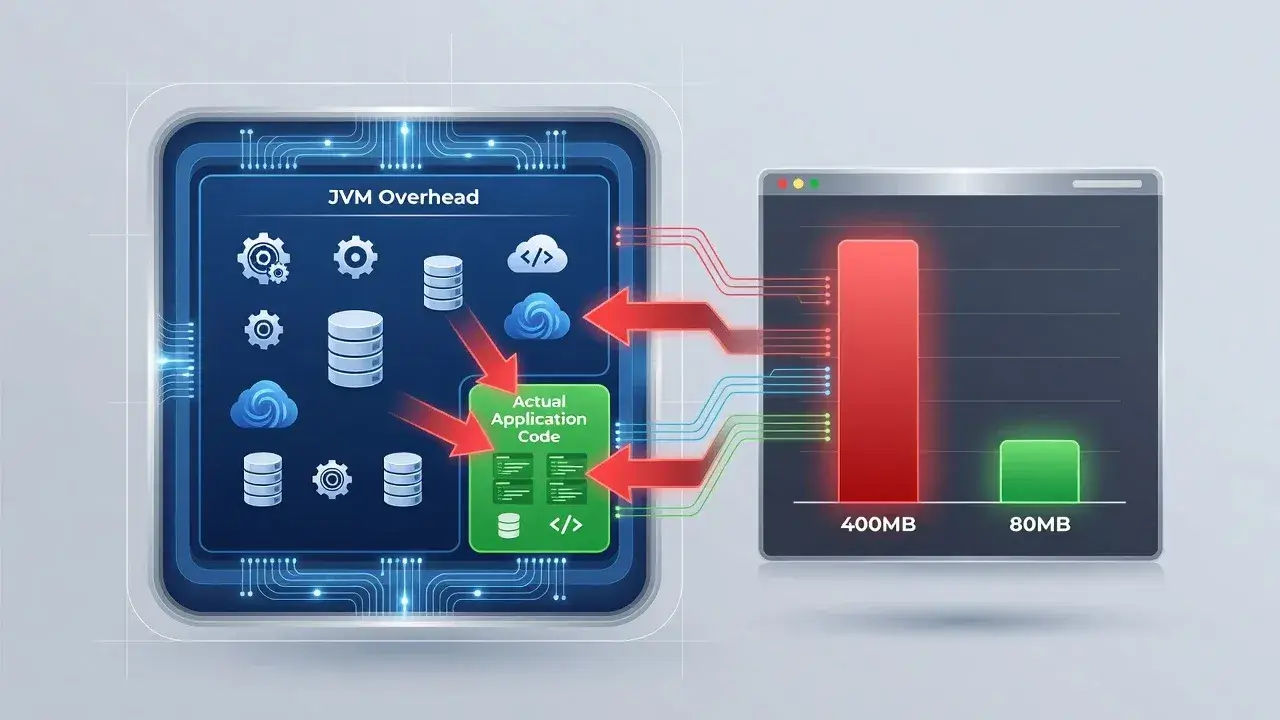
The Java Virtual Machine itself requires substantial memory just to operate. This baseline consumption exists before your application code even runs.
Modern JVMs allocate memory across multiple regions including heap space, metaspace for class metadata, thread stacks, and code cache. Each component adds to the total footprint, with default settings favoring performance over minimal resource usage.
Default heap allocation patterns
The JVM calculates initial heap size based on available system memory. On a machine with 8GB RAM, Spring Boot might claim 2GB heap space by default, even when your API only processes lightweight requests.
- Initial heap size typically starts at 1/64th of physical memory
- Maximum heap can reach 1/4th of available RAM without explicit limits
- Metaspace grows dynamically, often reaching 50-100MB for typical applications
- Thread stacks consume 1MB per thread by default
These defaults create bloated memory profiles that waste resources in cloud environments where you pay per megabyte allocated.
Embedded server configuration impact
Spring Boot packages an embedded Tomcat, Jetty, or Undertow server directly into your application. This convenience comes with memory costs.
The embedded server initializes thread pools, connection handlers, and servlet containers regardless of your actual traffic patterns. A REST API serving 10 requests per minute still maintains infrastructure ready for hundreds of concurrent connections.
Thread pool overhead
Tomcat's default configuration creates 200 maximum threads, with each thread consuming stack memory. This aggressive pre-allocation ensures responsiveness under load but wastes memory during typical operation.
- Default thread pool size: 10 minimum, 200 maximum threads
- Each thread stack: approximately 1MB memory
- Idle threads still consume full stack allocation
Reducing thread pool sizes to match realistic traffic patterns can immediately reclaim 100-150MB without impacting performance for most APIs.
Auto-configuration and dependency bloat
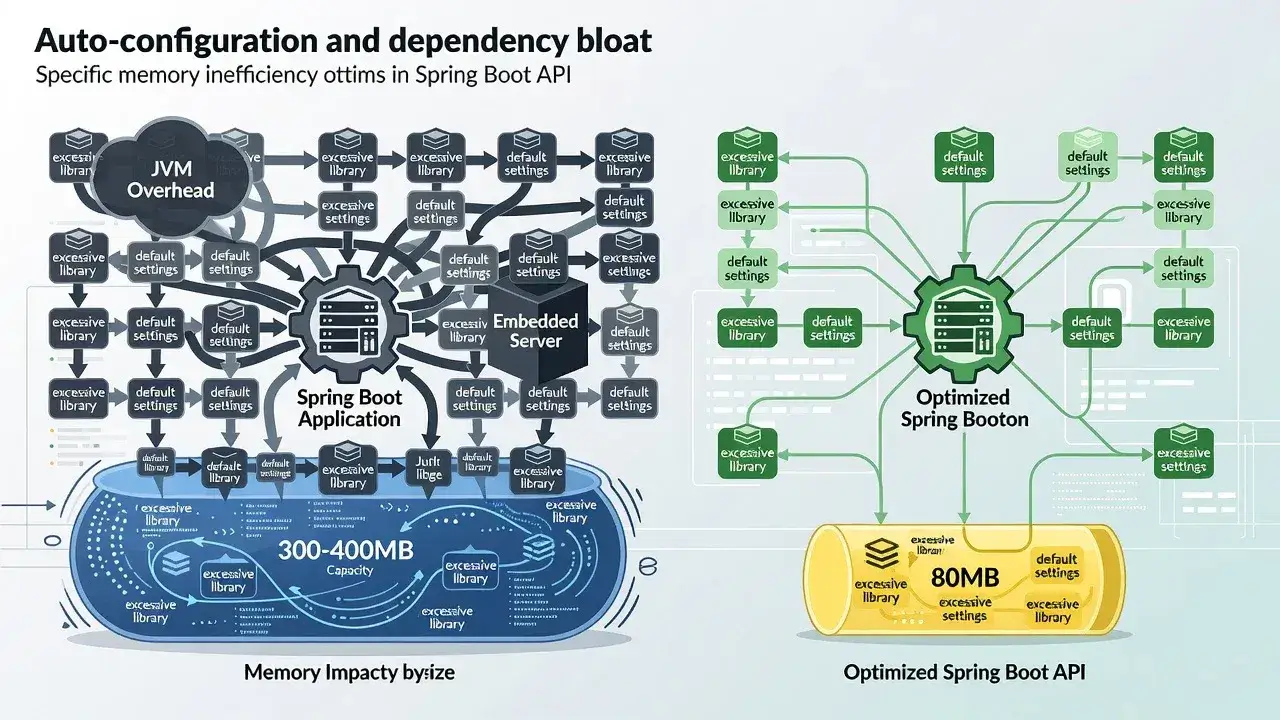
Spring Boot's auto-configuration scans your classpath and initializes components it detects. This magical setup often activates features you never use.
Including spring-boot-starter-web pulls in Jackson for JSON processing, validation frameworks, multiple HTTP message converters, and error handling infrastructure. Each activated component loads classes into metaspace and creates runtime objects in heap memory.
Unnecessary dependency activation
- Database connection pools initialize even for stateless APIs
- Actuator endpoints load monitoring infrastructure
- Security filters activate default authentication chains
- Template engines initialize despite serving only JSON
Careful dependency management and explicit auto-configuration exclusions prevent loading unused frameworks that collectively consume 50-100MB.
Class loading and reflection costs
Spring's dependency injection relies heavily on reflection and proxy generation. The framework scans packages, analyzes annotations, and creates dynamic proxies for beans.
This process loads thousands of classes into memory. A minimal Spring Boot API typically loads 8,000-12,000 classes, with each class definition occupying metaspace. The class metadata alone accounts for significant memory usage before considering actual object instances.
Limiting component scanning to specific packages and avoiding excessive use of aspect-oriented programming reduces class loading overhead substantially.
Practical optimization strategies

Reducing Spring Boot memory consumption requires targeted configuration changes across multiple layers of the application stack.
JVM tuning parameters
Explicit memory limits force the JVM to operate within realistic boundaries. Setting maximum heap size to 128MB for simple APIs proves sufficient in most cases.
- -Xmx128m limits maximum heap allocation
- -Xss256k reduces thread stack size from 1MB default
- -XX:MaxMetaspaceSize=128m caps class metadata growth
- -XX:+UseSerialGC selects lightweight garbage collector
Application configuration refinements
Spring Boot's application.properties file controls embedded server behavior and framework features.
- server.tomcat.threads.max=20 reduces thread pool size
- server.tomcat.threads.min-spare=5 lowers idle thread count
- spring.jmx.enabled=false disables JMX monitoring overhead
- spring.autoconfigure.exclude excludes unused auto-configurations
These adjustments typically reduce baseline memory consumption by 40-50% while maintaining full API functionality for normal traffic patterns.
Alternative runtime considerations
Emerging JVM alternatives and native compilation offer dramatic memory reductions for Spring Boot applications willing to trade flexibility for efficiency.
GraalVM native image compilation transforms Spring Boot applications into standalone executables that start in milliseconds and consume 50-80MB memory. This approach eliminates JVM overhead entirely but requires build-time configuration and loses some dynamic Java features.
Project CRaC (Coordinated Restore at Checkpoint) creates snapshots of warmed-up JVM applications, enabling instant startup with optimized memory footprints. These technologies represent the future of efficient Java deployment in resource-constrained environments.
Bridging the efficiency gap
The 320MB difference between typical Spring Boot consumption and actual requirements stems from convenience-focused defaults rather than technical necessity. Developers can reclaim this memory through systematic optimization of JVM parameters, server configuration, dependency management, and framework settings. Understanding where memory goes empowers informed decisions about acceptable tradeoffs between development speed and runtime efficiency.